
Your Brand Colors Are Talking Behind Your Back

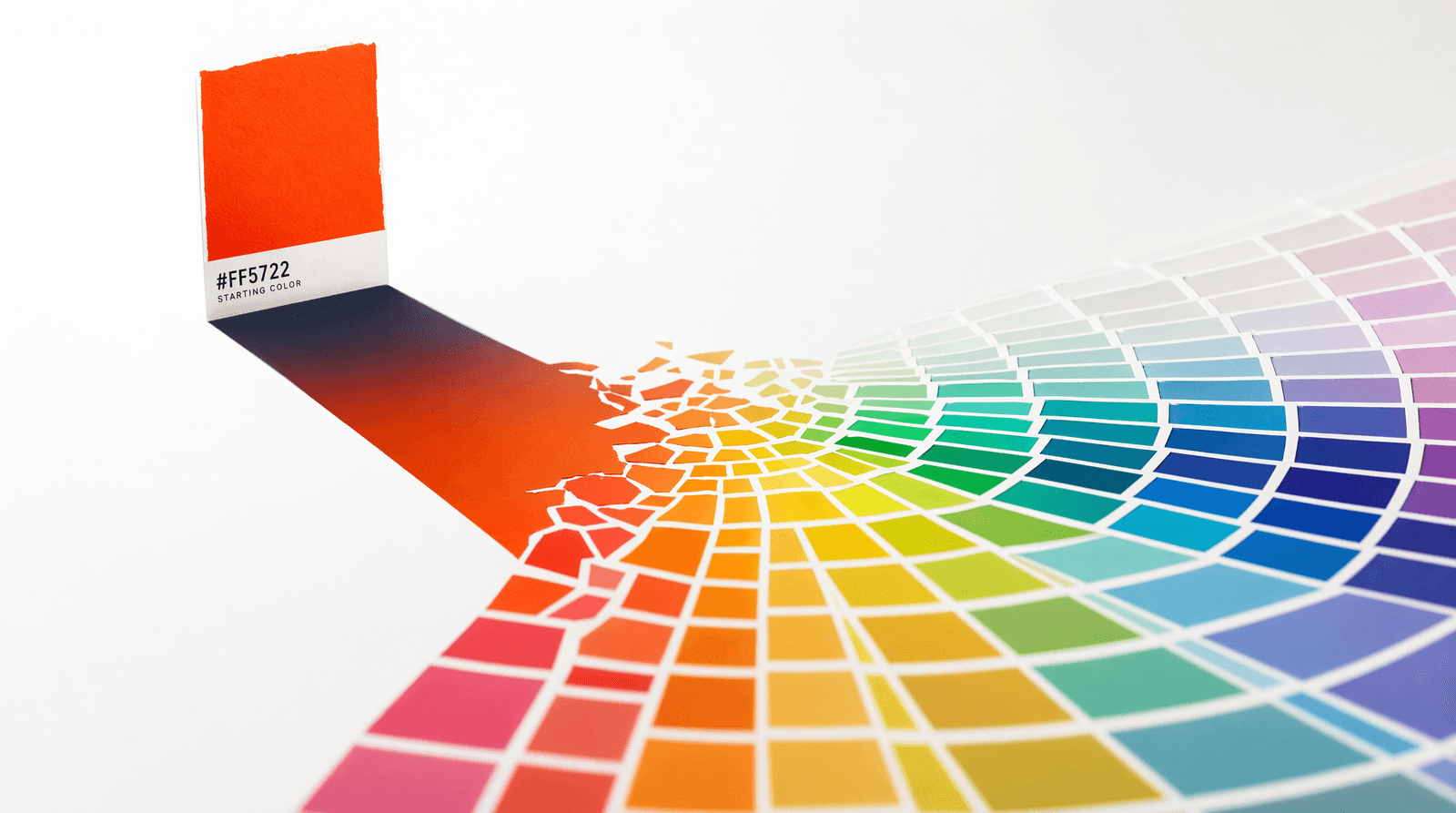
You spent an hour picking the perfect shade of teal for your link-in-bio buttons. It looks great on your phone. It matches your profile photo. You feel good about it.
But here's the thing nobody tells you: that teal is already talking to every person who lands on your page — and it might be saying something you never intended. Colors don't wait for permission. They bypass the part of the brain that reads your button copy and go straight to the part that makes snap judgments about trust, energy, and professionalism. The wrong shade doesn't just look "off." It actively works against you.
And the worst part? Most creators have no idea this is happening.
The Color Conversation You Didn't Know You Were Having
Color psychology isn't some abstract marketing theory. It's the reason hospitals paint their walls in soft blues and greens. It's why fast food logos cluster around reds and yellows. It's why luxury brands lean on black, white, and gold while budget brands reach for bright primary colors.
Your Liinks page is having the same conversation, whether you designed it that way or not.
Here's a rough translation of what common colors say to visitors:
- Deep blues and navies — "I'm established. I'm trustworthy. I probably have a newsletter with a schedule." These work well for coaches, consultants, and B2B creators. They can also feel cold and corporate if you're a lifestyle creator trying to feel approachable.
- Warm oranges and corals — "I'm energetic and friendly. Click me." These are high-energy, high-warmth colors that work for fitness creators, food bloggers, and anyone whose brand is built on enthusiasm. Overuse them and your page starts feeling like a sale that never ends.
- Soft pastels — "I'm calm, curated, and aesthetic." Perfect for wellness, beauty, and lifestyle niches. But if your content is actually bold and opinionated, pastels can create a mismatch between what your page says and what your audience finds when they click through.
- Saturated purples — "I'm creative, maybe a little unconventional." Great for artists, musicians, and tech-forward creators. They carry a whiff of premium without the stuffiness of black and gold.
- Pure black with bright accents — "I know exactly what I'm doing." This is the designer's palette, the photographer's palette. It signals intention. It also requires contrast discipline — one wrong accent and the whole thing looks like a gaming setup from 2014.
The point isn't that any color is universally right or wrong. The point is that you're already communicating through color, and if you haven't thought about it deliberately, the message is probably garbled.
The One-Hex Trap
Here's where most creators get stuck. They pick one color — their "brand color" — and then wing everything else. The button is teal, but what color is the background? What about the section headers? The hover state? The text on top of that teal button — is it white? Is it readable?
What happens next is predictable: you end up with a page that has one intentional color and four or five accidental ones. The background defaults to white. The text stays black. The secondary buttons get some gray that doesn't quite match. And the whole thing looks like it was designed by someone who made one decision and then got tired.
This is what we call the one-hex trap. A single color is not a palette. A palette is a system — a set of colors that work together, with roles assigned to each one. You need your primary accent, sure. But you also need lighter tints for backgrounds, darker shades for text and hover states, neutrals that carry the same undertone as your accent, and maybe a complementary color for emphasis.
Building that system from scratch requires either a design degree or a lot of trial and error in a color picker. Which is exactly why most people don't bother.
From One Color to a Full Brand System (In About Ten Seconds)
This is the problem the Liinks Color Palette Generator was built to solve. You pick one base color — your brand color, the one that feels right — and the tool instantly generates eight complete palette variations from it.
Not eight random colors. Eight systems:
- Color Scale — An eleven-step gradient from near-white to near-black, tuned to your hue. This is your design-system-in-a-box. Use the lighter steps for backgrounds, mid-tones for borders, and darker steps for text.
- Pastels — Soft, low-saturation versions of analogous hues. Perfect for section backgrounds that feel cohesive without competing with your buttons.
- Tints — Progressively lighter versions of your exact color. Useful for creating depth and hierarchy when you want everything to stay strictly on-brand.
- Monochromatic — Tints and shades of the same hue combined into one strip. This is the safest palette for anyone who wants their page to feel polished without risk.
- Neutral — Grays that carry your base color's undertone. This is the detail that separates amateur palettes from professional ones. If your brand color is warm, your grays should be warm too. Cold grays next to a warm purple look like two different pages stitched together.
- Analogous — Colors that sit next to yours on the color wheel. These always harmonize naturally, giving you variety without visual conflict.
- Complementary — The opposite of your base color on the wheel. High contrast, high energy. Use sparingly for CTAs or badges that need to pop against your primary palette.
- UI States — Auto-generated success, warning, error, and info colors that match your brand's saturation and lightness. If you're building anything interactive, these save you from the "random green for success" problem.
Every swatch shows its hex code. Click it and it copies to your clipboard. Hit "Copy all" to grab an entire palette strip. And because the tool syncs your base color to the URL, you can share your exact palette with a collaborator by sending them a link — no screenshots, no guessing.
No sign-up required. No account. No email capture wall. You just go to the Color Palette Generator, pick a color, and start copying values.
Putting Your Palette to Work
Having a palette is step one. Using it with intention is where the payoff lives. Here's how to actually apply your new color system to your Liinks page — or any digital presence, really.
Assign roles, not vibes
Every color in your palette should have a job. Your primary accent is for buttons and key CTAs. A lighter tint handles backgrounds and section dividers. Your neutral palette covers text and secondary elements. The complementary color, if you use it at all, is reserved for one thing you want people to notice above everything else.
When every color has a role, the page looks intentional. When colors show up wherever they felt right in the moment, the page looks like a mood board that never got refined.
Test contrast, not just aesthetics
A button that looks beautiful on your laptop might be unreadable on someone's phone in direct sunlight. The Color Scale palette is specifically useful here — the numbered steps give you a quick way to ensure your text and background have enough contrast for accessibility. As a rule of thumb: if your accent is in the 400-600 range, put white text on it. If it's lighter than 300, use dark text.
Match your background to your brand temperature
This is the detail most people skip, and it shows. If your brand palette is warm — corals, ambers, warm purples — your page background shouldn't be a stark, cold white. Use a warm neutral from the Neutral palette strip instead. It's a subtle shift, but it's the difference between a page that feels designed and a page that feels like buttons floating in a void. The Liinks Background Generator is another great companion tool here — you can create gradient and pattern backgrounds that pull from your palette colors.
Use fewer colors, not more
The strongest link-in-bio pages usually use three colors: a primary, a neutral, and one accent for emphasis. Maybe four if you're doing something editorial. Five is the maximum before visual noise sets in. The palette generator gives you dozens of options so you can choose well, not so you can use them all. Restraint is what makes a palette feel professional. As the saying goes in design — your page should look like it was designed with intention, not decorated with enthusiasm.
Carry your palette beyond your link-in-bio
Your Liinks page isn't the only place your brand lives. Once you've built a palette you're happy with, use those same hex values across your Instagram highlights, your newsletter header, your YouTube end screens, and your pitch decks. The "Share" button in the Color Palette Generator gives you a permanent URL for your palette — bookmark it, send it to your designer, or just keep it as a reference. Consistent color across every touchpoint is one of the simplest ways to build brand recognition without spending a dollar on ads.
TL;DR
- Every color on your page is communicating something to visitors — trust, energy, professionalism, or chaos — whether you planned it or not.
- One "brand color" isn't enough. You need a system: primary, tints, neutrals, and maybe a complementary accent.
- The free Liinks Color Palette Generator takes a single base color and builds eight complete palette systems from it — no design skills required, no sign-up.
- Assign every color a role. Match your neutrals to your brand temperature. Use three to four colors total. Carry them everywhere.
Build a Page That Looks Like You Hired a Designer
Your audience won't consciously notice that your button color, background tint, and text shade all share the same undertone. But they'll feel it. They'll stay longer, click more, and trust your links faster — because everything looks like it belongs together.
Head to the Liinks Color Palette Generator, drop in your brand color, and build a palette that actually says what you mean. Then bring that palette to life on your Liinks page — the one link your audience will see more than any other.