
How to Use the Free Liinks UTM Link Builder to Track Campaign Traffic

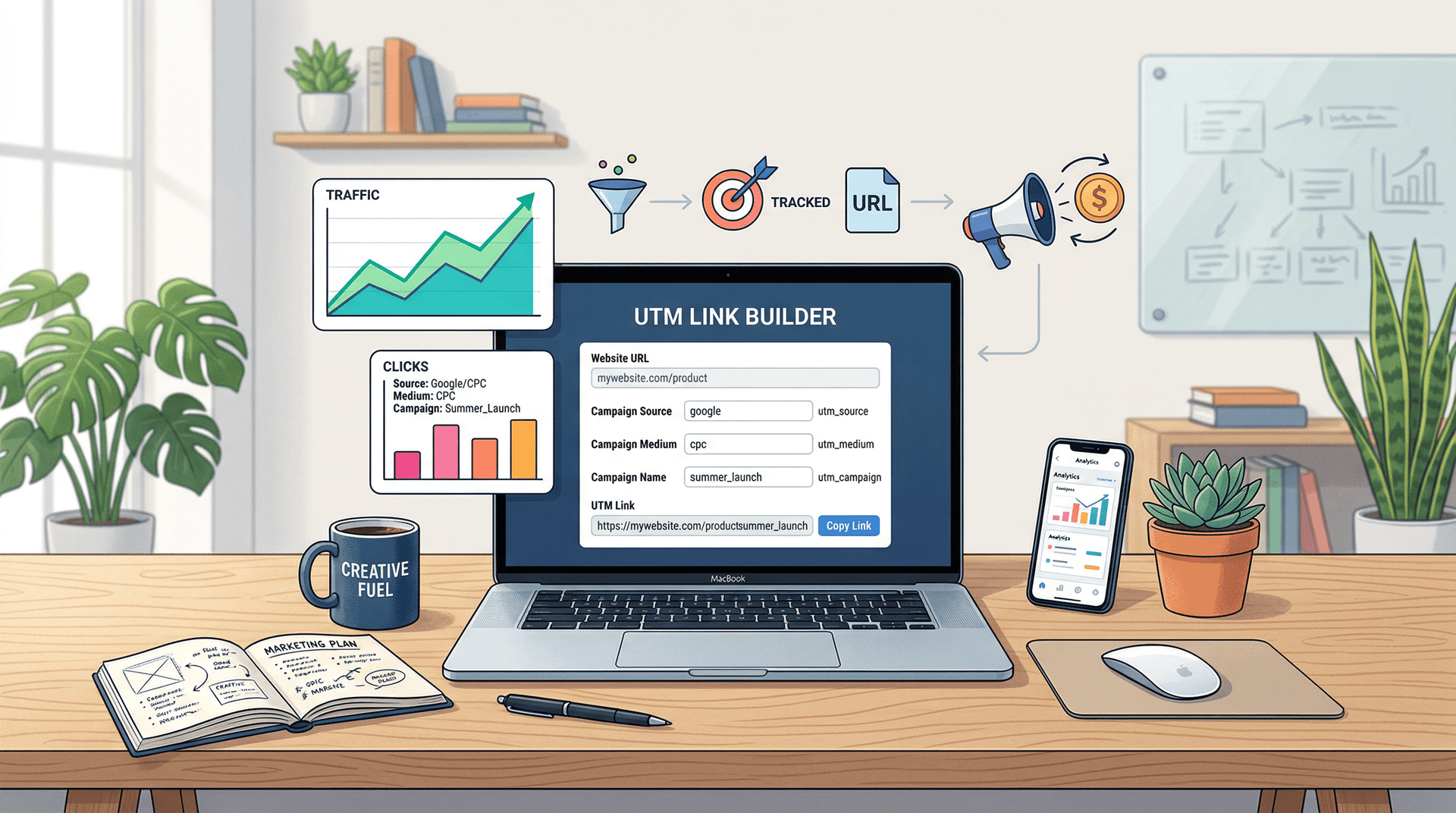
You're posting on Instagram, sending newsletters, running a TikTok campaign, and maybe even buying a few ads. Traffic is coming in. But when you open Google Analytics, it all looks like one blurry blob of "direct / none."
Sound familiar?
The problem isn't your content. It's that your links aren't telling your analytics tool where visitors came from. That's exactly what UTM parameters fix — and building them just got a lot easier.
Liinks just shipped a free UTM Link Builder that lets you create properly tagged campaign URLs in seconds, no spreadsheet templates or guesswork required.
What Are UTM Parameters (and Why Should You Care)?
UTM parameters are short tags you add to the end of a URL. They tell analytics tools like Google Analytics exactly where a visitor came from, how they got there, and which campaign sent them.
A normal link looks like this:
https://liinks.co/charlie
A UTM-tagged link looks like this:
https://liinks.co/charlie?utm_source=instagram&utm_medium=social&utm_campaign=spring_launch
Same destination. But now Google Analytics can tell you: "This visitor came from Instagram, via social media, as part of your spring launch campaign."
There are five UTM parameters you can use:
| Parameter | Purpose | Required? |
|---|---|---|
utm_source | Where the traffic comes from (e.g., instagram, newsletter, google) | Yes |
utm_medium | The marketing channel (e.g., social, email, cpc) | Yes |
utm_campaign | The specific campaign name (e.g., spring_sale, product_launch) | Yes |
utm_term | Paid search keywords | Optional |
utm_content | Differentiates variations (e.g., banner_ad vs. text_link) | Optional |
The first three are the ones you'll use every time. The last two are useful for more advanced tracking — paid search keywords and A/B test variations.
How to Use the Liinks UTM Link Builder
The Liinks UTM Link Builder is a free tool — no account required. Here's how to build your first tracked URL.
Step 1: Enter Your Destination URL
Paste the URL you want to track. This can be anything: your Liinks page, a product page, a landing page, or a blog post. The tool automatically adds https:// if you leave it off.
Step 2: Fill in the Three Required Fields
- Campaign Source: Where the traffic originates. If you're sharing this on Instagram, type
instagram. For a newsletter, typenewsletterormailchimp. - Campaign Medium: The marketing channel type. The tool offers quick-select chips for common mediums like
social,email,cpc,referral, and more. Click one or type your own. - Campaign Name: A label for your specific campaign. Use something descriptive and consistent, like
spring_launchorproduct_update_april. Stick with lowercase and underscores — it keeps your analytics reports clean.
Step 3: Add Optional Parameters (If Needed)
- Campaign Term: Useful for paid search campaigns to identify which keyword triggered the ad.
- Campaign Content: Helps you differentiate between multiple links pointing to the same URL. For example, if you're testing a banner ad against a text link, use
bannerandtext_linkrespectively.
Step 4: Copy Your URL
Once all required fields are filled in, your UTM URL appears in the output panel on the right. The Parameter Breakdown table shows exactly what each tag is set to, so you can double-check before copying.
Hit Copy URL and paste it wherever you need it — your bio link, email campaign, ad platform, or social post.
Five Practical Ways to Use UTM Links as a Creator or Small Business
Building the URL is the easy part. Here's where UTM tracking actually pays off.
1. Track Which Social Platform Drives Real Traffic
You're active on Instagram, TikTok, X, and maybe LinkedIn. Instead of guessing which platform matters most, create a separate UTM link for each:
utm_source=instagram&utm_medium=social&utm_campaign=bio_linkutm_source=tiktok&utm_medium=social&utm_campaign=bio_linkutm_source=twitter&utm_medium=social&utm_campaign=bio_link
After a week, check Google Analytics and you'll know exactly where your traffic is coming from — and where to double down.
2. Measure Newsletter vs. Social Performance
If you're promoting the same offer in your newsletter and on social media, UTM tags tell you which channel converts better:
- Newsletter:
utm_source=newsletter&utm_medium=email&utm_campaign=spring_sale - Instagram Story:
utm_source=instagram&utm_medium=social&utm_campaign=spring_sale
Same campaign, different sources. Now you can compare them side by side in your analytics dashboard.
3. A/B Test Different Link Placements
Use the utm_content parameter to test where a link performs best. For example, if you include the same link in your email header and footer:
- Header:
utm_content=header_cta - Footer:
utm_content=footer_cta
This is a lightweight way to run experiments on your links without any complex tooling.
4. Track Campaign-Specific Traffic Over Time
Launching a new product? Running a seasonal promotion? Name your campaigns consistently and you'll build a history of what worked:
utm_campaign=product_launch_v2utm_campaign=black_friday_2026utm_campaign=collab_with_jane
Over time, this becomes a playbook you can reference for future launches.
5. Know Which Paid Ads Actually Convert
If you're spending money on ads, UTM tags are non-negotiable. Tag every ad link with the source, medium, campaign, and content:
utm_source=meta&utm_medium=cpc&utm_campaign=retargeting_april&utm_content=carousel_v2
This tells you not just that an ad worked, but which specific creative drove the result.
UTM Naming Conventions That Keep Your Data Clean
Messy UTM parameters lead to messy analytics. Here are a few rules to follow:
- Always use lowercase. Google Analytics treats
Instagramandinstagramas two different sources. - Use underscores instead of spaces.
spring_saleis cleaner thanspring%20salein your reports. - Be consistent. Pick a naming convention and stick with it. If your source is
instagramin one link, don't switch toigin another. - Keep campaign names descriptive but short.
q2_email_promois better thanthe_big_email_campaign_we_ran_in_april. - Document your conventions. A simple spreadsheet or note tracking your naming patterns prevents confusion when you revisit old data months later.
How UTM Tracking Works With Your Liinks Page
If you're using Liinks as your link-in-bio, you already get built-in analytics — clicks, views, locations, and referrer data — for every link on your page. UTM parameters complement this by giving you visibility on the other side of the equation: what happens after someone leaves your Liinks page and lands on your destination.
Think of it this way:
- Liinks analytics tell you which links on your page get clicked.
- UTM parameters tell your destination's analytics tool where that click originated.
Together, they close the loop. You can see the full journey from social media profile to campaign conversion.
The UTM builder also pairs well with Liinks' link scheduling and rotation features. If you're rotating seasonal links on your page, UTM tags let you compare how each rotation performs in your analytics.
TL;DR
- UTM parameters are tags added to URLs that tell analytics tools where traffic came from.
- The Liinks UTM Link Builder at liinks.co/utm-builder lets you create tagged URLs for free, in seconds.
- Use the three required parameters —
source,medium, andcampaign— on every shared link. - Tag links differently per platform, campaign, and content variation to get clear performance data.
- Keep your naming lowercase, consistent, and documented.
- Combine UTM tracking with your Liinks page analytics for a complete view of your traffic funnel.
Start Tracking Your Links Today
If you've been sharing links without tracking where your traffic comes from, the free Liinks UTM Link Builder is the fastest way to fix that. Build your first tagged URL in under a minute, paste it into your next post, and watch your analytics finally make sense.
And if you don't have a link-in-bio page yet, Liinks gives you a fully customizable hub for all your important links — complete with built-in analytics that work right alongside your UTM tracking.