How to Create a Free Digital Business Card With the Liinks vCard Generator

You just had a great conversation at a conference. You reach into your pocket, pull out a business card — and realize you left the box in your hotel room. Or maybe you hand one over and watch the other person fold it into their back pocket, never to be seen again.
Paper business cards have a dirty secret: 88% of them get thrown away within a week. They're expensive to print, impossible to update, and completely disconnected from the way people actually save contact information in 2026.
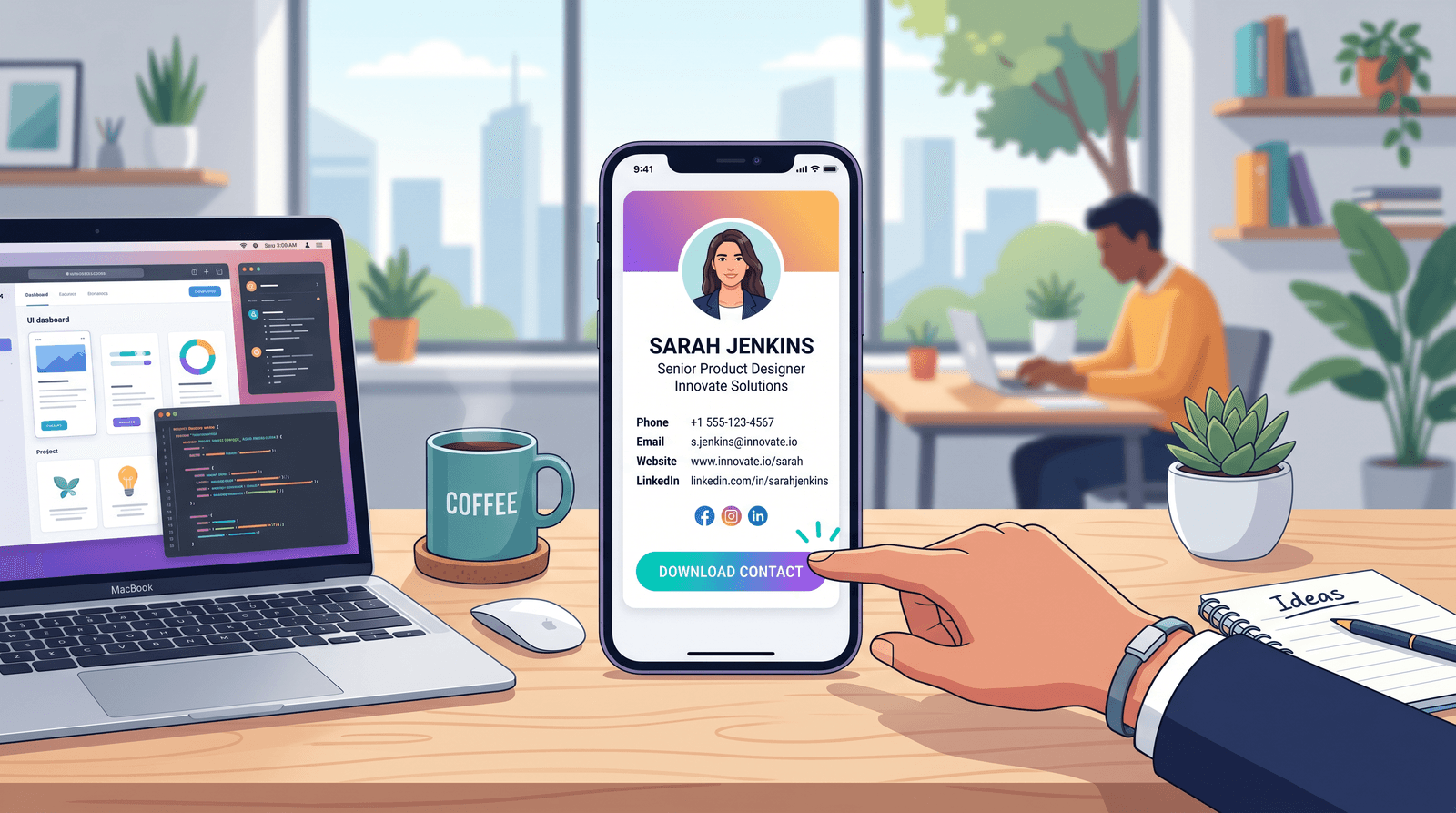
The fix is simpler than you think. A digital business card — specifically, a downloadable vCard file — goes straight into someone's phone contacts with a single tap. No app required. No QR code to fumble with. Just a clean .vcf file that works with Apple Contacts, Google Contacts, Outlook, and virtually every other contact manager on the planet.
And now you can create one for free with the Liinks Digital Business Card Generator. Here's exactly how.
What Is a vCard (and Why Should You Care)?
A vCard is a standardized contact file format (.vcf) that's been around since the late '90s. Think of it as a universal business card that every phone, tablet, and computer already knows how to read.
When someone opens a .vcf file, their device immediately offers to add it to their contacts — complete with your name, title, company, email, phone, website, and address. No manual typing. No misspelled email addresses. No "sorry, what was your last name again?"
For creators, freelancers, and small business owners, this matters because your contact information is the bridge between a conversation and a client. Every friction point you remove from that bridge increases the odds that someone actually follows up. If you're still wondering whether you need one, our guide on what a digital business card is breaks down the concept in detail — but the short version is: yes, you do.
How to Create Your Free Digital Business Card
The Liinks Digital Business Card Generator is completely free, requires no sign-up, and takes about 60 seconds. Here's the step-by-step:
Step 1: Open the Generator
Head to liinks.co/digital-business-card. You'll see a simple form on the left and a live preview card on the right.
Step 2: Fill In Your Details
The generator has seven fields:
- Full Name — Your professional name as you want it saved in contacts
- Job Title — Your role or what you do (e.g., "Creative Director," "Freelance Photographer")
- Company — Your business or brand name
- Email — Your professional email address
- Phone — Your contact number
- Website — Your site, portfolio, or Liinks page
- Address — Your business location (city and state work fine)
Every field is optional, so you can include as much or as little as you want. A freelancer might skip the company field. A consultant might skip the address. The vCard standard handles all of it gracefully.
Step 3: Preview Your Card
As you type, the preview card on the right updates in real time. You'll see:
- A circular avatar with your initials
- Your name, title, and company displayed prominently
- All your contact details laid out below
This is a great chance to double-check spelling and make sure everything looks right before you download.
Step 4: Download Your vCard
Hit the blue Download vCard button. Your browser will download a .vcf file named after you (e.g., sarah-chen.vcf). That's it — your digital business card is ready to share.
5 Ways to Share Your Digital Business Card
Having a vCard file is one thing. Getting it into the right hands is another. Here are the most effective ways to distribute yours:
1. Email Signature
Attach your .vcf file to your email signature or link to it with a line like "Save my contact info." Every email you send becomes an opportunity for someone to add you to their contacts with a single click.
2. Text or DM After Meeting Someone
Just met someone at an event? Text them your .vcf file instead of spelling out your email. It's faster, more professional, and guarantees they have your correct info.
3. Link From Your Link-in-Bio Page
If you're using Liinks as your link-in-bio, add a button that links directly to your vCard download. Anyone who lands on your page can save your contact details instantly — bridging the gap between social media follower and real-world contact. This is especially powerful when paired with a strong personal branding strategy that makes visitors want to stay connected.
4. QR Code at Events
Generate a QR code that points to your vCard file (or to your Liinks page that hosts the download). Print it on a name badge, a table tent, or even your laptop lid. People scan, tap, and your info goes straight to their phone.
5. Website Contact Page
Embed a download link on your website's contact or about page. It's a subtle touch that signals professionalism and makes it trivially easy for potential clients to save your info.
Why Digital Business Cards Beat Paper Every Time
If you're still on the fence, consider the practical advantages:
They never run out. A digital file can be shared infinitely. No more "sorry, that was my last one."
They're always current. Changed your phone number? Got a new title? Just regenerate your vCard with the Liinks generator and share the updated version. Paper cards become outdated the moment something changes.
They actually get saved. A .vcf file lands directly in someone's contacts app. Compare that to a paper card sitting in a drawer — or worse, going through the wash.
They're free. No design fees, no printing costs, no minimum order quantities. The Liinks generator is 100% free with no sign-up required.
They work everywhere. The vCard format is supported by every major contact manager: Apple Contacts, Google Contacts, Microsoft Outlook, Samsung Contacts, and more. It doesn't matter what phone or computer the recipient uses.
They're better for the environment. The average professional goes through hundreds of paper cards over a career. Factor in design revisions, reprints for updated info, and the cards that go straight to landfill — it adds up. A digital card eliminates all of that waste.
Take It Further: Turn Your Card Into a Shareable Page
A downloadable vCard is a great starting point, but what if you want something more visual — a branded page with your photo, social links, portfolio, and a built-in download button?
That's where a full Liinks page comes in. With Liinks, you can:
- Design a branded landing page with custom colors, backgrounds, and layout
- Add multiple links — portfolio, booking page, social profiles, email list
- Track analytics to see who's clicking and from where
- Share one URL that works as your digital business card, portfolio, and link-in-bio all in one
Think of the free vCard generator as the foundation and a Liinks page as the full package. The vCard gets you into someone's contacts. The Liinks page gives them a reason to reach out. As digital networking continues to evolve, having both a portable contact file and a living landing page puts you ahead of the curve.
TL;DR
- Paper business cards are expensive, wasteful, and forgettable
- A vCard (
.vcf) file is a universal digital business card that works on every device - The Liinks Digital Business Card Generator lets you create one for free in 60 seconds — no sign-up required
- Share your vCard via email signature, text, link-in-bio, QR code, or your website
- For a full branded experience with analytics and multiple links, upgrade to a Liinks page
Ready to Go Digital?
Head to the Liinks Digital Business Card Generator, fill in your details, and download your vCard. It takes less time than it took to read this paragraph.
And if you want to level up from a single contact file to a fully branded online presence, create your free Liinks page — it's the link-in-bio that works as hard as you do.