There is a new block in the picker: Marquee, a line of text that scrolls across your page and never stops.
Write a phrase, pick the mark that sits between each repetition (a sparkle, a dot, an emoji, or nothing at all), and it loops forever. Two looks: a colored ribbon that waves as it travels, or plain text straight on your background.
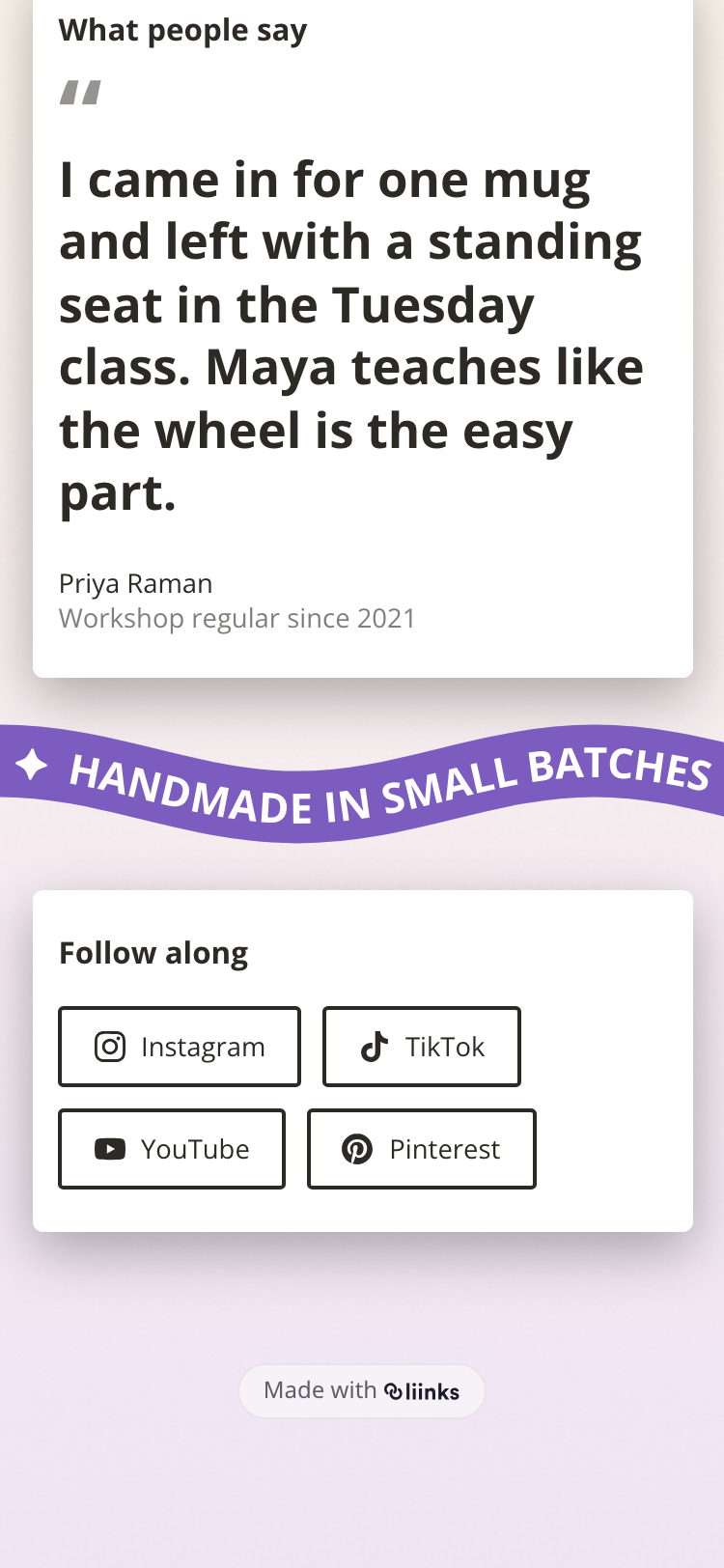
From there it is yours to tune. Set the text and ribbon colors independently of your button colors, choose the size, set the speed anywhere from a slow crawl to a fast whoosh, send it right to left or left to right, and decide how far the text rises and falls as it goes. Turn the wave all the way down for a straight ticker, or up for a rolling band.
It is a decorative block, with no link and nothing to click, which is what makes it useful between two sections that do want attention. A tagline under your header, the services you offer, your opening hours, or a motto worth repeating.
Find it under Tell my story in the Add Block modal, or search for "marquee", "ticker", or "scrolling".
See Marquee Block for the full walkthrough.