Liinks sends subscribers a short performance email on Mondays, subject line "Your week on Liinks". It recaps the last seven days on your page so you can see how the week went without opening the app.
What's in the email
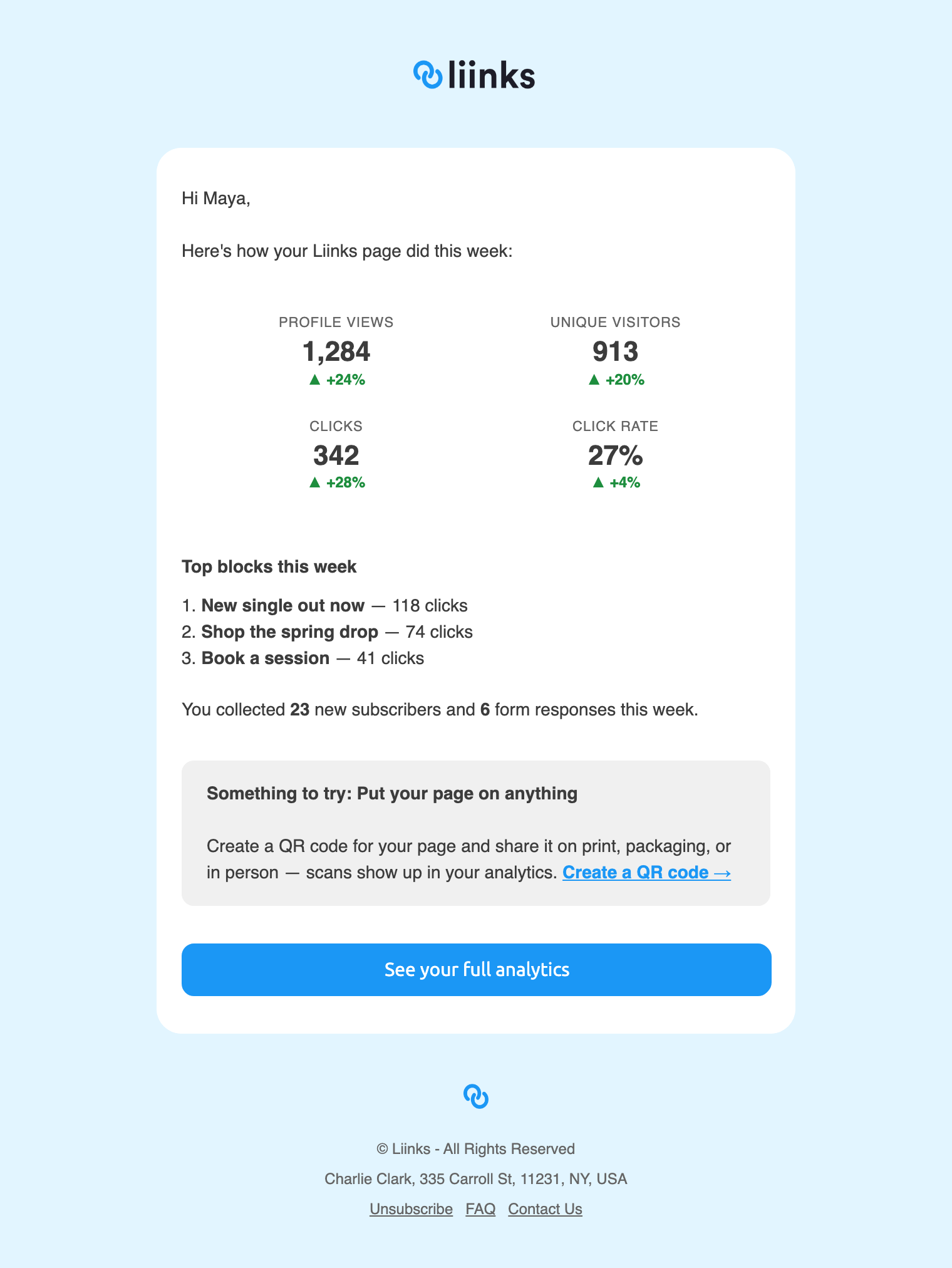
- Your numbers. Page Views, Unique Visitors, Clicks and Click Rate for the last seven days. When a number went up on the week before, the tile shows the increase beside it. Flat and down weeks show the number on its own, so the email never leads with bad news you cannot act on from your inbox.
- Top blocks this week. Your three most-clicked blocks, with their click counts.
- Your audience. A line counting the new subscribers and form responses you collected that week. It only appears when there were some.
- Something to try. One suggestion for a feature you have not used yet, such as adding a Collect Emails block, creating a QR code, or scheduling a block. You never get the same suggestion twice.
- See your full analytics, a button through to your Analytics page.
The digest is a summary, not the full picture. Week-over-week changes in both directions, longer time ranges, live visitors and per-block detail all live on the Analytics page. See How do I see how my page is performing? for what is there.
Who gets it
You will receive the digest if:
- You are on a paid plan, including during your trial.
- You have been subscribed for at least 14 days, or at least 7 days if you are still trialing.
- Your page had at least 5 views in the last seven days.
- Your email address is confirmed.
Point 3 is why a digest can skip a week. Quiet weeks are not worth an email, so if your page had fewer than 5 views we send nothing and pick up again the next Monday you clear the floor. Managed profiles inside an agency account do not get their own digest.
Emails go out through Monday, so yours may arrive in the morning or later in the day.
Turning it off
Every digest has an Unsubscribe link in the footer. Clicking it opens your Email Preferences page, where you can tick:
- Opt out of the weekly performance digest to stop the digest and keep everything else.
- Opt out of marketing emails to stop product and marketing email but keep the digest.
- Opt out of all non-essential emails to stop both.
The digest and marketing emails are separate, so opting out of one leaves the other running. Account emails such as password resets, confirmations and receipts always keep sending.
The Email Preferences page opens from the link in any Liinks email, so keep one to hand if you want to change your choices later.