
The best link-in-bio tool for Instagram depends on what happens after someone taps: browsing your work, booking a service, joining an email list, or buying a product. Start with that action, then choose the design and features that support it.
Instagram already lets you add up to five profile links. A dedicated page earns its place by giving visitors more context, a layout that suits your brand, and useful ways to measure or act on their interest.
This guide compares six options: Liinks, Linktree, solo.to, Beacons, Milkshake, and Campsite.bio. We make Liinks, so this is a comparison from a product maker. The recommendations below are based on each provider's published features and pricing, checked September 6, 2026; they are not a hands-on performance ranking of all six services.
The screenshots below show examples featured on each provider's public website, captured September 6, 2026. Tap or click an image to enlarge it.
Compare the six tools at a glance
Prices below are in USD. Monthly prices mean monthly billing unless an annual commitment is stated. Taxes, transaction fees, and app-store or regional differences may change the total. The provider links in each section are the place to confirm your checkout price.
| Tool | A good fit for | Starting paid option | What to check |
|---|---|---|---|
| Liinks | A flexible branded page with visual layouts | Starter: $5/month or $48/year | A subscription activates your page; custom domains need Pro |
| Linktree | A familiar link hub with creator tools | Starter: $8/month or $72/year | Advanced design and branding removal need Pro |
| solo.to | A compact page for links and contact buttons | Personal: $12/year, annual billing only | Free and entry plans have link limits |
| Beacons | Digital products, email, and a media kit together | Creator: $10/month or $100/year | Seller fees differ by plan |
| Milkshake | Building and updating a card-based site on your phone | Lite: US$2.99/month advertised | Prices and available plans vary by country and platform |
| Campsite.bio | Link scheduling, forms, and tracking integrations | Pro: $7/month or $70/year | Extra profiles, collaborators, and reporting can cost more |
1. Liinks: for a page that matches your brand
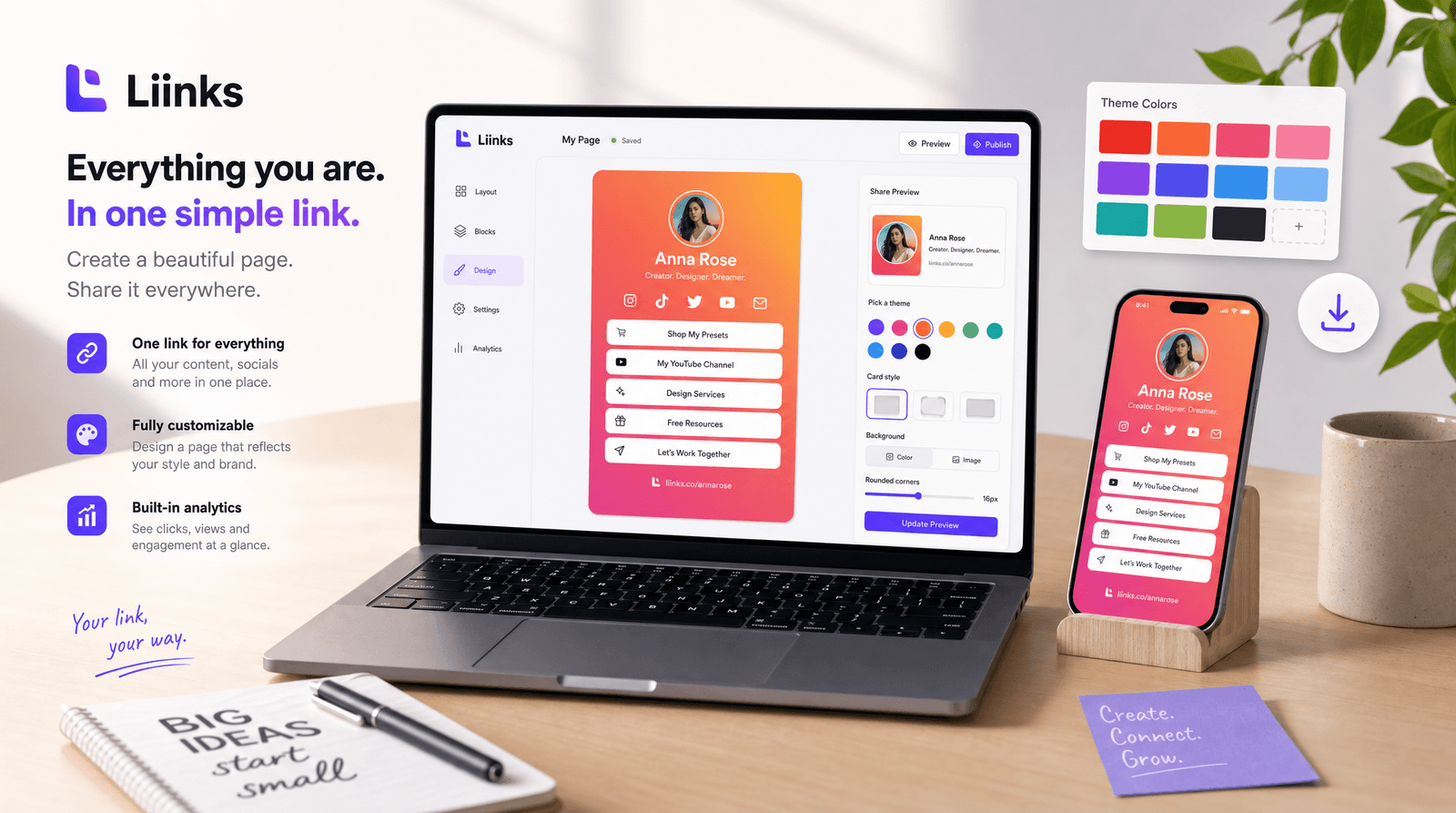
Liinks gives you more ways to present your content than a uniform list of buttons. Mix links with images, video, text, folders, and forms; use grid, carousel, or highlight layouts; and organize a longer page into tabs.
Three example page designs featured on the Liinks website.
Choose it when: your portfolio, service, or small business needs a distinctive page and you want control over how people move through it. Page views and link-click analytics help you see which destinations attract attention.
Pricing: Starter is $5/month or $48/year. Pro is $12/month or $120/year per pack of five pages, adding custom domains and management of multiple pages. You can build before subscribing; a subscription activates the page and begins a 14-day free trial, during which you can cancel without being charged.
Consider: budget for the subscription when you're ready to publish. If you already use Linktree, see the Liinks and Linktree comparison for a closer look at the differences.
2. Linktree: for a familiar link hub with creator tools
Linktree combines a link page with tools for selling and growing an audience. Its Free plan includes unlimited basic links. Pro adds advanced analytics, mailing-list integrations, custom themes, fonts, and layouts.
A creator page featured on the Linktree website.
Choose it when: you want the familiar Linktree format and its creator-tool options fit your workflow.
Pricing: the published plans are Free, Starter at $8/month or $72/year, Pro at $15/month or $144/year, and Premium at $35/month or $360/year.
Consider: removing Linktree branding requires Pro. Digital-product seller fees and feature availability vary by plan, so compare the cost of the features you'll actually use. A paid entry plan does not include every design or selling feature.
3. solo.to: for a compact page with clear contact options
solo.to combines links with social and contact buttons. Its free Beginner plan includes up to 25 links or sections, plus 30 days of page-view analytics. Personal raises the limit to 50 and adds text blocks, section titles, highlighted links, and other presentation options.
Example layouts from the solo.to website.
Choose it when: a tidy directory of your work and contact methods is enough, and you know roughly how many destinations you need.
Pricing: Beginner is free; Personal costs $12/year. The advertised $1/month for Personal is an annual equivalent, not a monthly billing option. Higher plans add more features.
Consider: count sections as well as links against the allowance. Check the higher plans if your requirements include embeds, deeper analytics, or more customization.
4. Beacons: for digital products and audience tools together
Beacons combines a customizable bio page with digital-product selling, email tools, and a media kit. Its free offering includes those building blocks, with limits and seller fees.
Link-in-bio examples from the Beacons website.
Choose it when: you want selling and audience tools alongside your page and would otherwise need to connect several services.
Pricing: Creator costs $10/month or $100/year. Creator Plus is $30/month or $300/year. The published Free and Creator plans carry 9% seller fees; Creator Plus advertises 0% seller fees. Payment-processing charges can still apply.
Consider: compare total cost at your expected sales volume, including the subscription and applicable fees. The lowest subscription price may not be the lowest cost for a shop.
5. Milkshake: for building a site on your phone
Milkshake organizes a website into swipeable Cards that you create and customize in its mobile app. It is a useful format when you want separate spaces for an introduction, your work, and your links.
My Links and About me Cards featured on the Milkshake website.
Choose it when: you expect to maintain the site from your phone and like the card-based browsing experience.
Pricing: there is a free published website option. The pricing page advertises Lite at US$2.99/month to remove branding, plus Pro and Pro+ upgrades. Confirm the price and available subscriptions in your app store; Milkshake says they vary by country and platform.
Consider: contact forms and longer analytics history need Pro; a custom domain needs Pro+. Try organizing your content into Cards before deciding whether that navigation suits your visitors.
6. Campsite.bio: for scheduling and tracking integrations
Campsite.bio offers a link page with a free starting option and paid tools for more control. Its Pro feature list includes scheduled links, forms, custom domains, branding removal, and analytics or advertising integrations.
An example page featured on the Campsite.bio website.
Choose it when: you have timed campaigns and want scheduling and tracking tools built into your link page.
Pricing: its pricing page lists Pro at $7/month or $70/year, and Pro+ at $24/month or $240/year.
Consider: the provider lists separate charges for additional profiles, collaborators, and an analytics add-on. Check the included reporting and number of profiles against your needs.
How to choose a link-in-bio tool for your Instagram account
Use the same short list of requirements for each service:
- Your main action. Put booking, shopping, listening, or signing up first. Decide whether you need an outbound link or a form or checkout on the page itself.
- The content you need to show. Compare a short button list with a visual portfolio or several distinct sections. More features only help if you'll use them.
- Your full cost. Compare the plan that includes your required design, domain, analytics, and number of pages. Separate monthly billing from annual equivalents, and include selling fees where relevant.
- The mobile visit. Preview the page on a phone and test every important destination from Instagram's browser.
- What you'll measure. Link clicks show interest; use your booking, shop, or newsletter system to check whether people completed the next step.
If all you need is a few direct destinations, start with Instagram's own links. If a branded page will make those destinations easier to understand, try building the same small sample in your shortlisted tools before committing.
Set up your Instagram link after choosing a tool
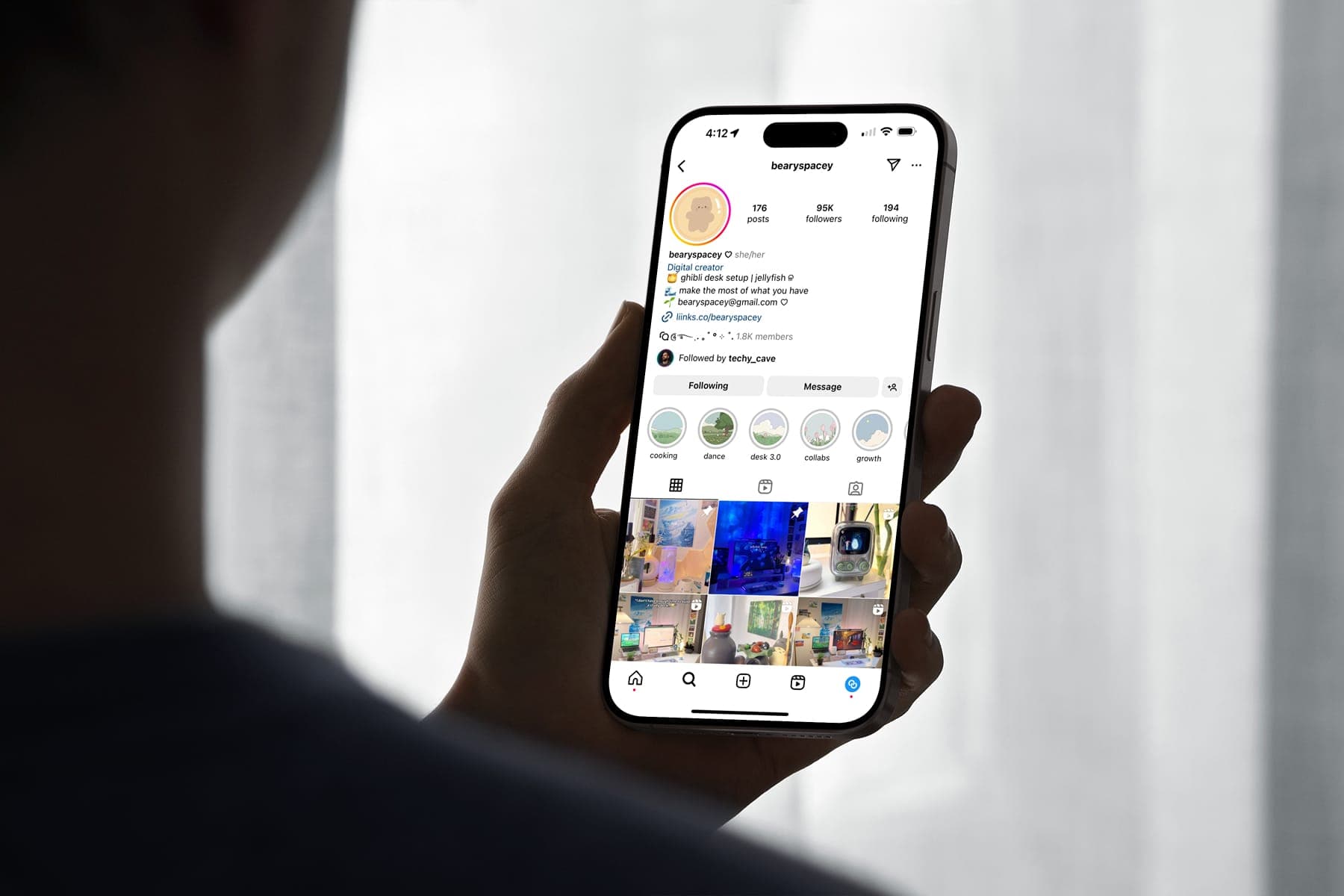
Publish your page, copy its URL, then follow our current guide to changing Instagram bio links. Test the saved link and put the destination that matches your bio's call to action first.
For the surrounding bio text, the free Instagram Fonts Generator can add a small visual accent. Keep your essential words readable and use the page itself to show the substance: your work, your offer, and a clear next step.