The font picker used to offer about 50 fonts. Now you can search all 1,830 Google Fonts, and the Fonts section of the Styles panel has been rebuilt around your pair: one font for your titles and one for your text.
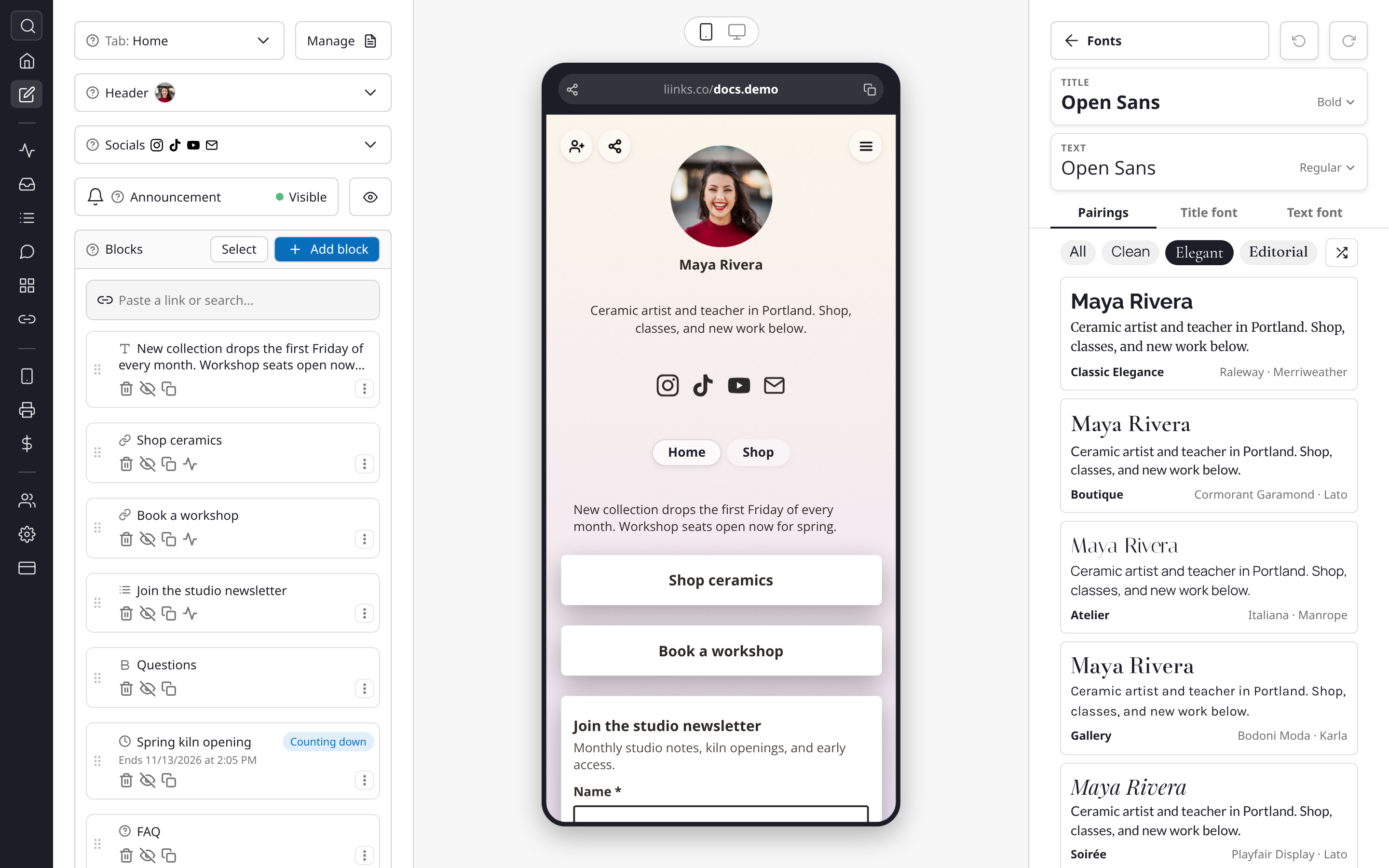
Start from a pairing. The Pairings tab has 37 ready-made combinations, each previewed with your own name and bio, so you can see how your page will read before you click. Filter them by mood (Clean, Elegant, Editorial, Bold, Playful, Handwritten, Script, Retro, Techy), or hit Shuffle to try one at random.
Or pick each half. The Title font and Text font tabs show every candidate in your name or your bio. Search the whole library by name, browse Featured, Popular, or a mood, and Shuffle for something you'd never have looked for. The Text font tab also suggests faces that go well with your title font, and the Title and Text cards at the top each have a weight menu for Regular, Bold, and the rest.
One undo to go back. A pairing changes both fonts in a single step, so the undo arrow at the top of the panel puts both back at once.
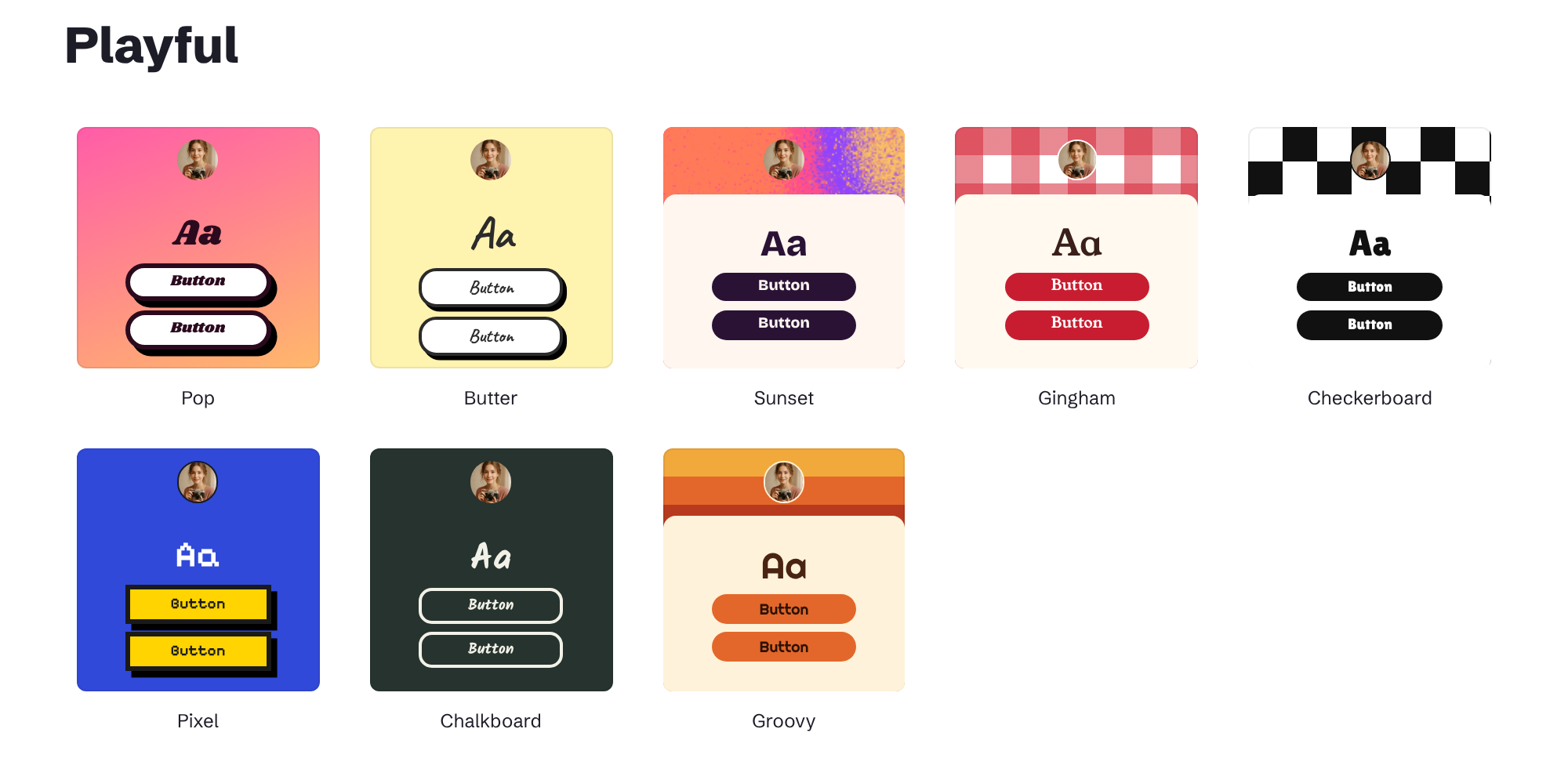
60 themes. Thirty more themes join the thirty from earlier this month, across light, soft, bold, playful, editorial, and dark looks. Some have pattern backgrounds like gingham, checkerboard, graph paper, and stripes, and the new themes style the lines on your Heading blocks to match. A theme restyles your page in one click and never touches your blocks, so try as many as you like.
Open Edit page and choose Fonts or Themes in the Styles panel. See Design options for a tour of everything in the panel.