Forgot your password?
If you've forgotten your password, you can reset it from the "Forgot password" page here.
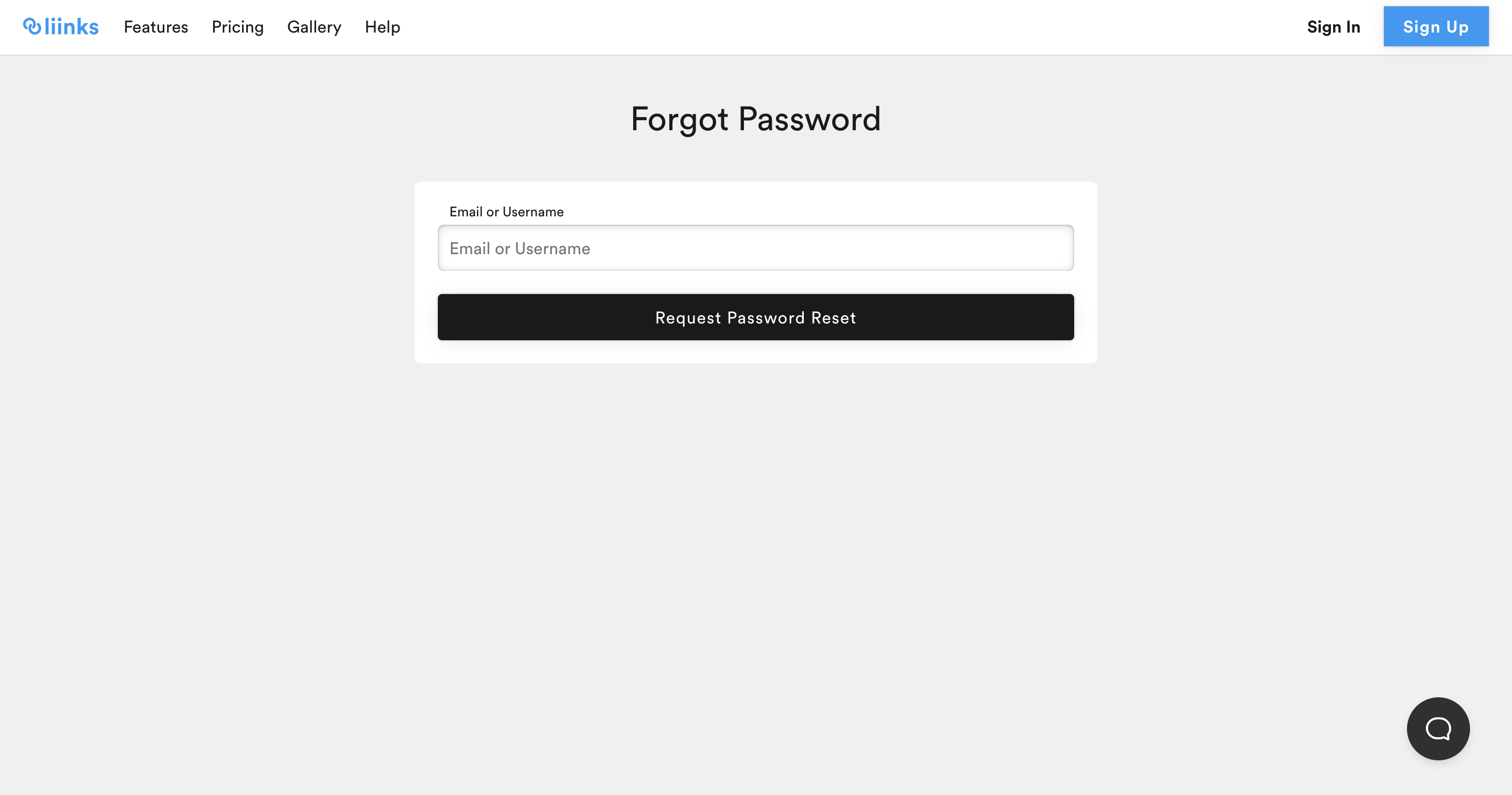
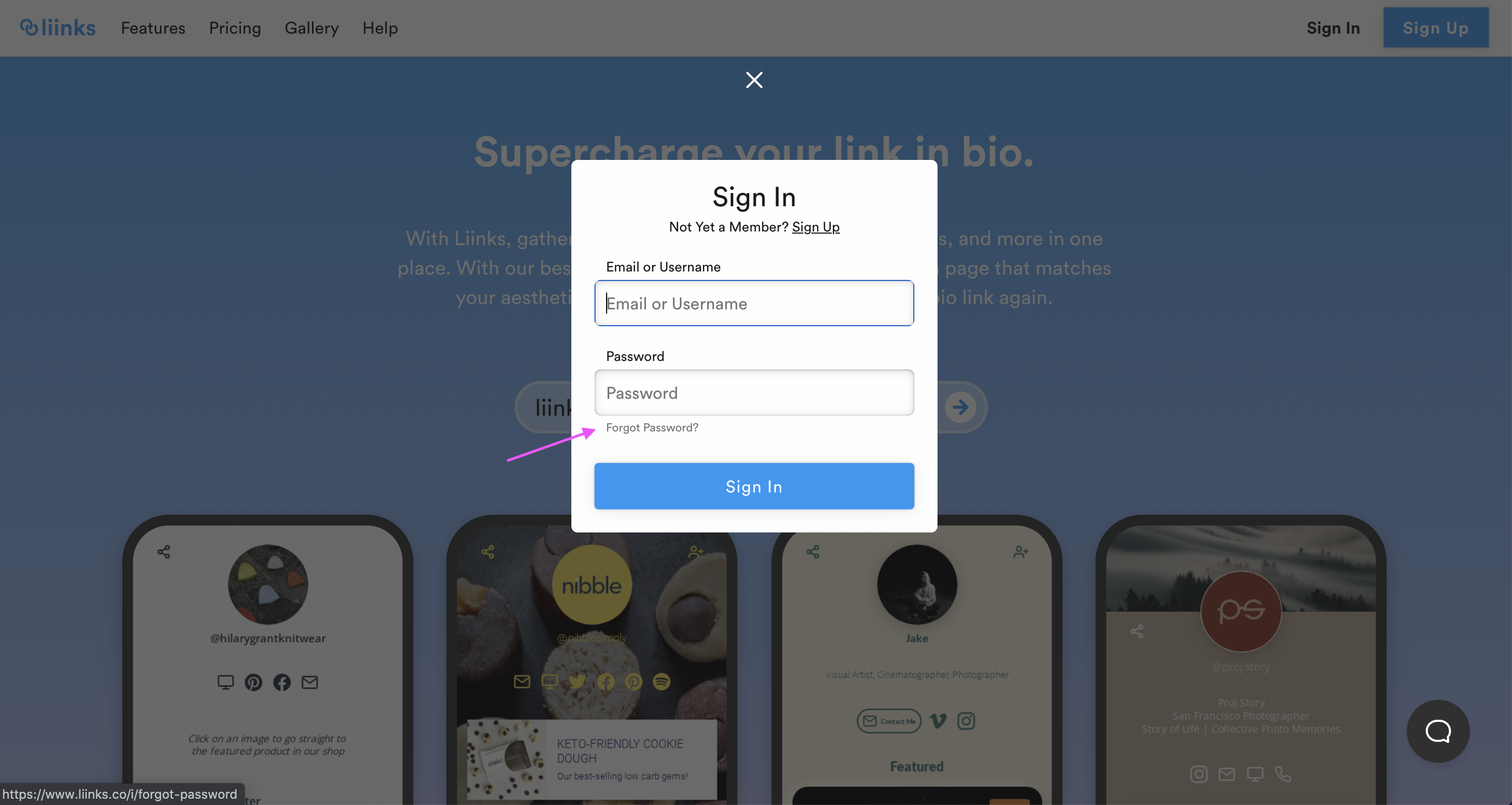
You can also access the "Forgot password" page by clicking "Login" and then "Forgot password".
Change your password from settings
If you're already logged in and want to change your password, go to the Settings panel and click the Password section. This will send a password reset link to your email address. Click the link in the email to set a new password.
Signed up with Google?
If you created your account using Continue with Google, you may not have a password set. You can still sign in using Google at any time. If you'd like to set a password so you can sign in with email too, use the "Forgot password" link on the login page with the email address associated with your Google account. This will let you create a password for your account.